MOCKUPLY
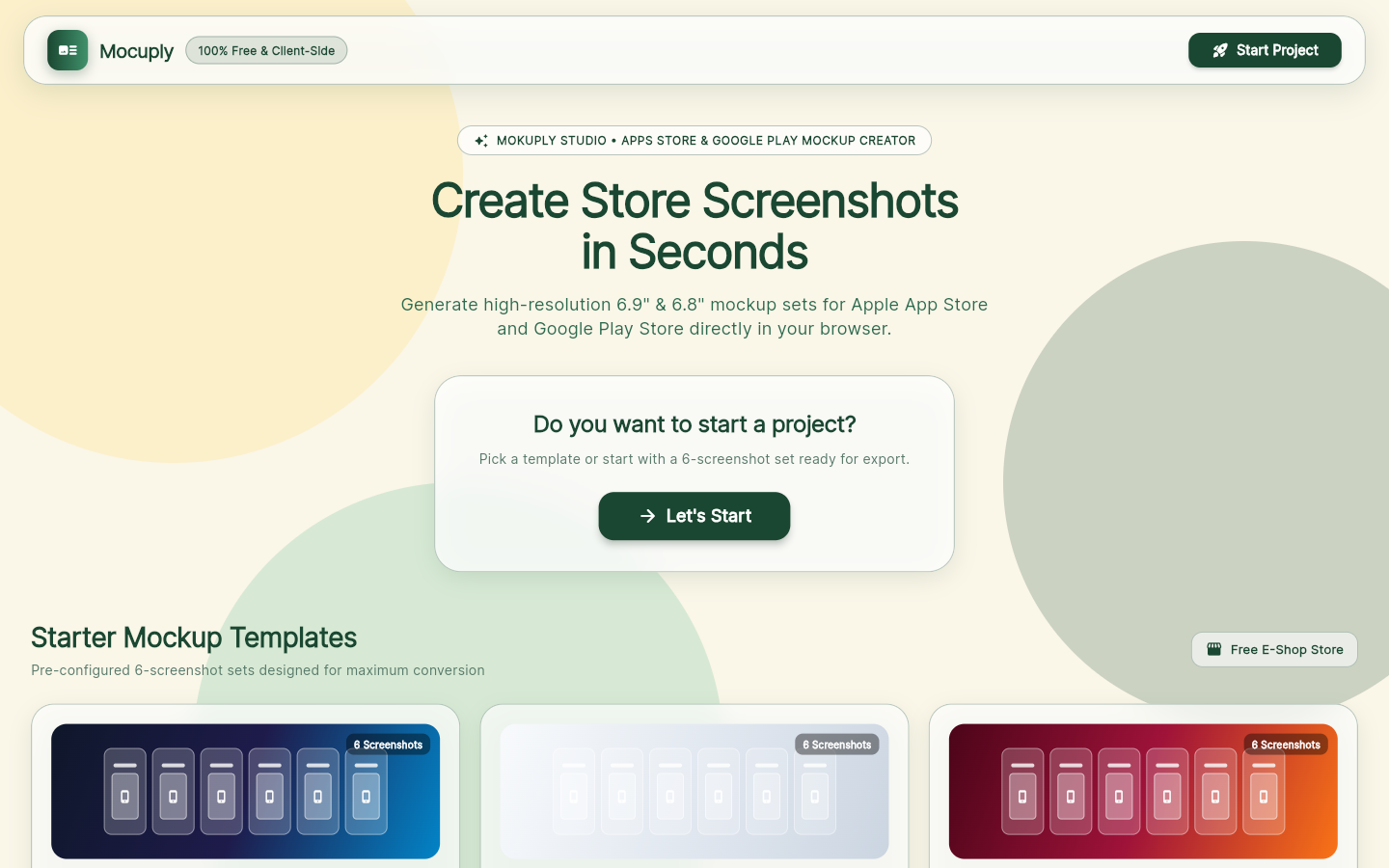
A free, client-side mockup studio for developers. Drop in your app screenshots, pick a layout and a device frame, and export pixel-perfect screenshot sets for the App Store and Google Play. No account, no server, no watermark.
6
STORE LAYOUTS
2
STORES, ONE CLICK
0
UPLOADS TO A SERVER
MIT
LICENSED
WHAT_IT_DOES
THE_STUDIO
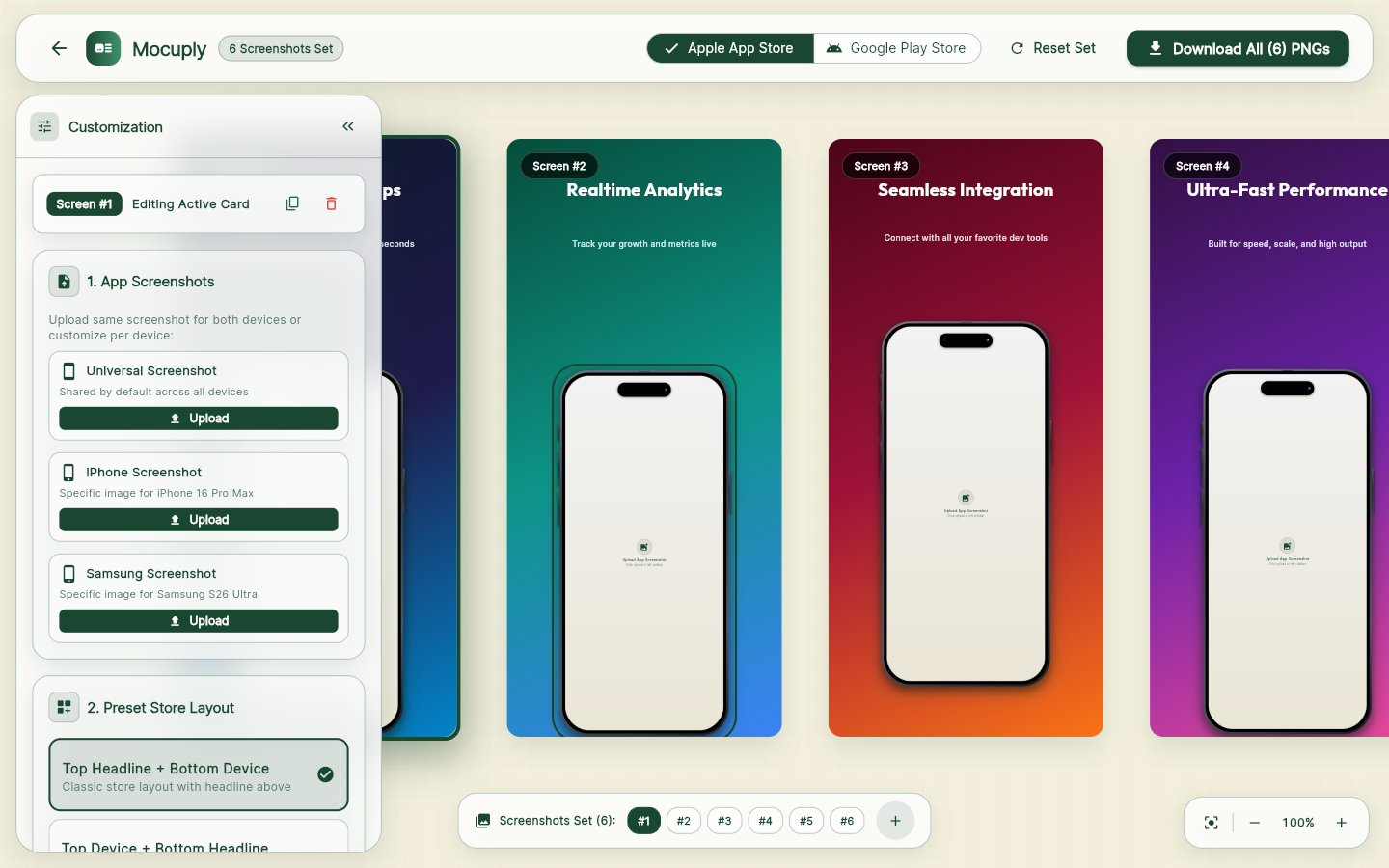
You work on a set of six screenshots at once in a multi-canvas workspace. Every canvas is a store-sized artboard with a headline, a subtitle and a phone frame holding your screenshot. Pick a template, tweak it, or build your own and save it as a reusable template.
- 6 layouts: angled hero left/right, headline top or bottom, centered frame, full-bleed
- Device frames: iPhone 16 Pro Max, Samsung S26 Ultra, minimal outline, raw
- One screenshot for every device, or a different one per device
- Gradient presets, a colour picker and 7 Google Fonts
- Extra text and image layers with scale, rotation, opacity and shadow
THE_EXPORT
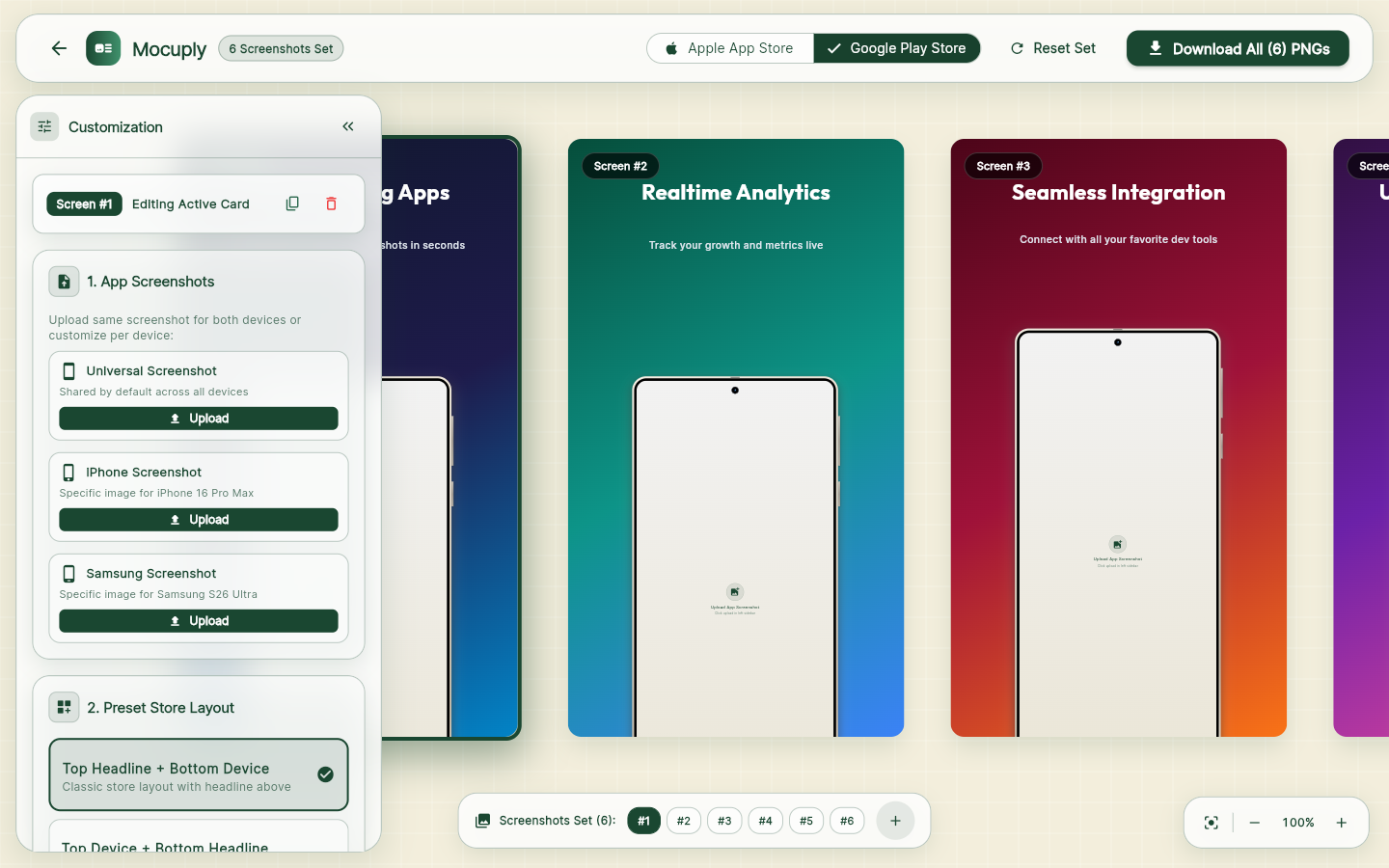
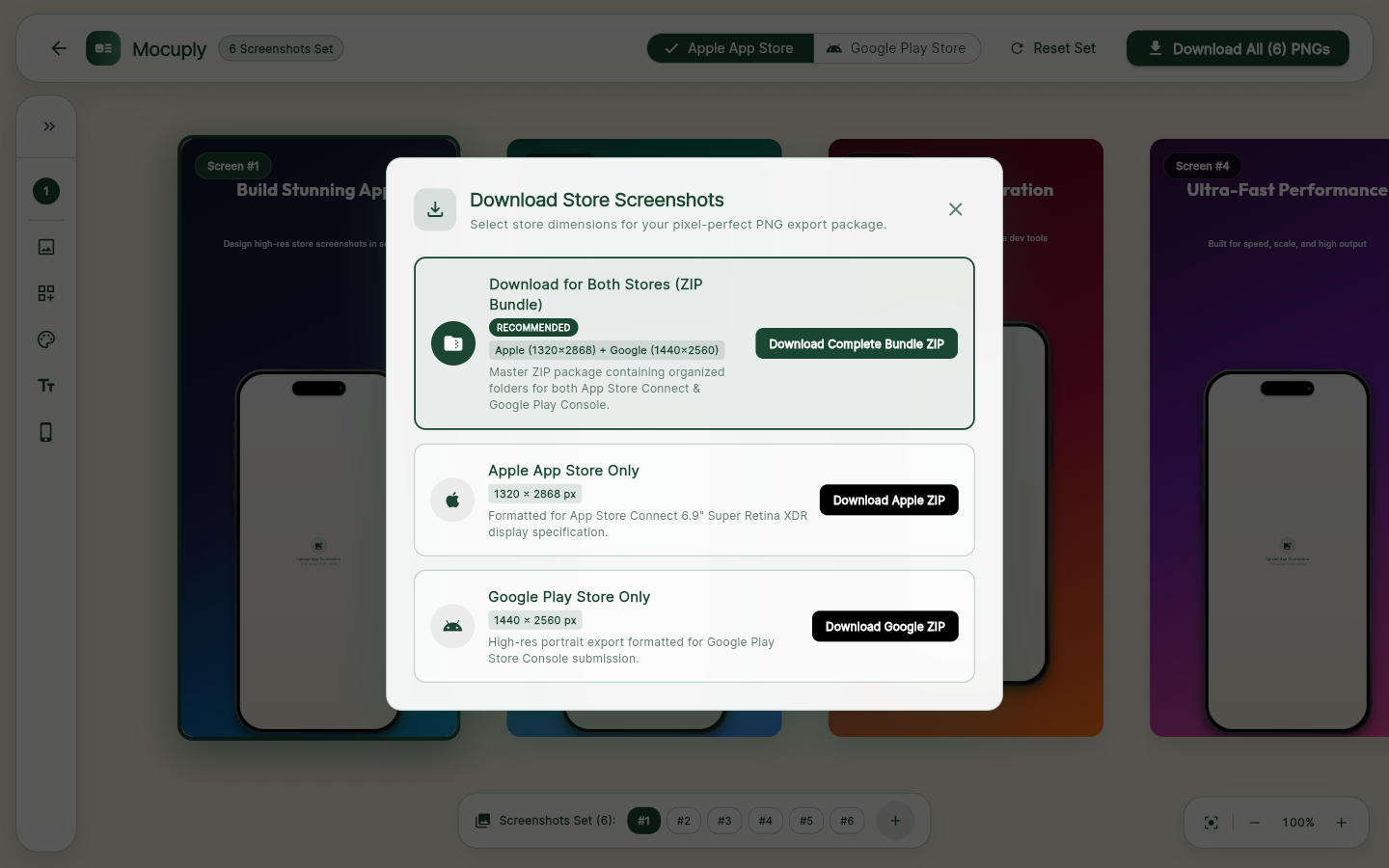
Hit download and the app renders each canvas off-screen at the exact store resolution, captures it as a PNG and zips the whole set, with a folder per store. Switching between Apple and Google re-scales every layout so the design keeps the same visual weight on both aspect ratios.
- App Store: 1320 × 2868 px, the 6.9" display spec
- Google Play: 1440 × 2560 px
- Apple ZIP, Google ZIP, or one bundle with both
- Drafts and custom templates autosave in the browser
UNDER_THE_HOOD
- Flutter Web with an MVVM structure: views, panels and a single editor view model driven by Provider
- Every canvas is a plain Flutter widget tree, so the preview and the export are the same pixels
- Export inserts the canvas into an off-screen Overlay inside a RepaintBoundary and calls toImage at store size
- PNGs are packed into ZIP archives in the browser and handed to the download API, nothing leaves your machine
- Templates and drafts serialise to JSON in localStorage, so a refresh never loses work